
Welcome to Blogs
Discover actionable insights, in-depth research, and expert perspectives, all in one place.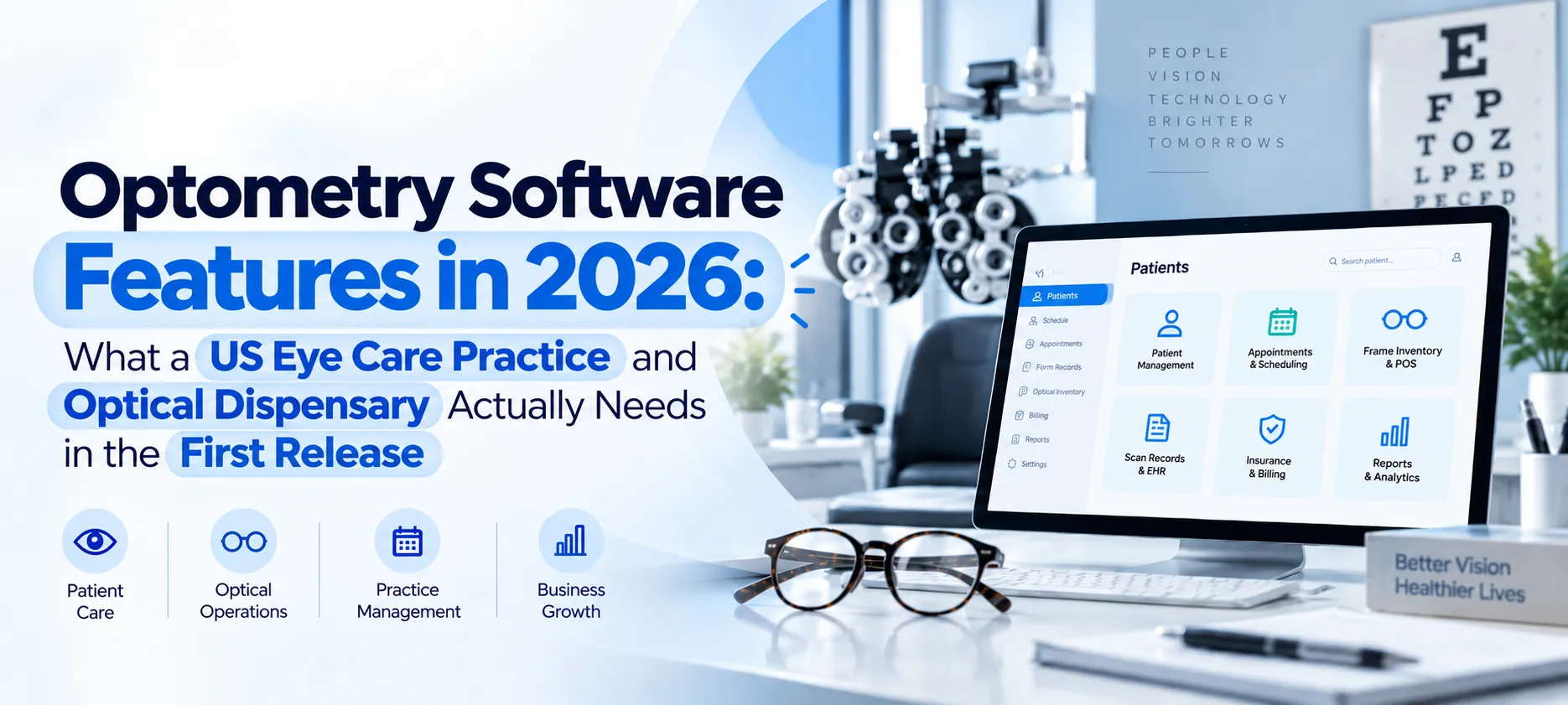
Custom Software Development 10 min read
Optometry Software Features in 2026: What a US Eye Care Practice and Optical Dispensary Actually Needs in the First Release

| This article is part of our series on Custom Optometry and Optical Retail Platform Development for US Eye Care Practices: Building a Combined EHR, Frame Inventory and Vision-Plan Billing System |
‘First Release’ Is the Only Honest Way to Scope This
A combined clinical and retail optical platform takes years to build. It has to include exam documentation, dispensary inventory, point of sale, lab ordering, dual billing, device integration, and a patient portal.
If practice owners and retailers list all of it as one release, what results is a wish list and not a specification for optometry software development.
The question worth asking is smaller. Practices must know what they need to move a patient from a booked appointment to dispensed glasses and then to a recall date on the calendar. Most importantly, such a system is needed right from day one.
This guide answers the exact optometry software features required for such practices and retail units. It covers the clinical core, the optical floor, lab ordering, benefit calculation, and recall. The last section covers what to leave out, as that shapes the software development timeline as much as any feature decision does.
The Clinical Core: Scheduling, Exam Documentation, and Prescriptions
Scheduling has to account for exam lanes and pretest rooms as separate bookable resources, not just doctor time. Documentation needs to be fast enough that doctors aren’t typing between patients, and structured enough for accurate billing codes.
Prescription release then has to follow FTC rules on record. Good web application development makes all three run together instead of as separate systems.
Resource-Aware Scheduling
The part of an optical unit or dispensary that schedules eye exams has to work with different appointment types. Moreover, each of these types has a different duration and equipment need. Other unique attributes include pretest rooms and exam lanes as resources that patients can book separately, dilation wait handling and contact lens fitting.
As such, a calendar that just books a doctor will not reflect the real constraints for an eye case practice.
Exam Documentation
For documentation of exam findings, there are different templates that are categorized as per the type or purpose of the encounter. These can range from medical follow-ups, to routine comprehensive templates, and contact lens fitting.
The components of an eye exam document include patient history, entrance testing report, refraction findings, anterior and posterior segment results. Other important constituents are eye pressures, an assessment of the findings, and an eye treatment plan.
Notably, the document must be structured enough that the exams can be assigned correct billing codes and optometrists can recall patient records. The template must also be designed so that it’s fast to fill out so that doctors don’t have to spend much time typing between patient visits.
Prescription Generation and Release
Contact lens and eyeglass prescriptions need to be generated consistently based on the examination. Thereafter, the practice needs to release the prescriptions to the patient as per FTC rules and deliver them in a documented way. The receipt information must also be captured and retained for contact lenses.
This system is a core feature of optometry and optical retail software and is not just limited to a print button. Also, practices and dispensaries need to retain these documents for a definite period. Which release and retention rules turn into features here, rather than front desk policy, is set out in FTC Eyeglass Rule, Contact Lens Rule and FCLCA Prescription Release, HIPAA and State Optometry Board Rules Compliance for US Optical Retail Software.
The Optical Floor: Inventory, Point of Sale, and Dispensing
The optical floor runs on inventory accuracy rather than exam findings. A wrongly tracked frame, a wrong pricing for the lens, or a measurement skipped at dispensing can turn into a cost that gets added later as a remake.
Frame Inventory with Catalog-Driven Setup: Specialized software for optical retail units must have a frame inventory with a complete catalog-driven setup. This includes the UPC, brand, model, color, and eye-bridge-temple measurements for each frame.
The software pulls this information automatically from the manufacturer’s frame database, so a scanned or selected frame populates its own details without manual entry. These details include location, availability, and demand among patients.
Consignment and Memo Stock as a First-Class Inventory State: Every frame in a store is not owned by the store itself; a part of the stock is vendor-owned. This part is sold on the vendor’s behalf or sent on memo for the store to try, sell, or return. A system that reflects only store-owned inventory will misstate both stock and cost of goods.
Lens Product Configurator: Optical retail software needs a lens product configurator instead of a lens catalog. This configurator combines material, design, tints, coatings, index, and add-ons into a price for each product. The practice must be able to maintain this pricing.
Point of Sale: The software must support a mixed ticket on one sale. This can include a prescription frame and lens pair, a non-prescription sunglasses pair, and a contact lens supply. Each of these components carry a different insurance treatment and, in many US states, different sales tax.
Measurement Records during Dispensing: Practices must validate dispensary measurements taken during the eye examination before the order is submitted. The attributes for the measurement include pupillary distance, segment or optical center heights, pantoscopic tilt, and vertex. A missing measurement means a remake the practice has to pay for.
Lab Ordering and Job Tracking
An order should only leave the practice once measurements, frame data, and lens configuration have been checked together. After that, the job needs tracking through every stage. A finished pair that sits uncollected costs the practice as much as one still in production.
Order Submission: After the measurements are taken, optical retail units proceed to the lab ordering stage. The order submission carries details, such as the frame, the dispensing measurements, and the full lens configuration.
In case a practice traces the frames, the order includes the trace data, documented using the OMA data communication format of the Vision Council. Labs and edging equipment for frames already use this format. The lab connection behind this, along with eligibility checks, frame catalog sync and refraction device links, is examined in VisionWeb Lab Ordering, Vision Plan Eligibility Checks, Frame UPC Inventory Sync and Digital Refraction Device Integration for a Custom US Optometry Platform.
Order Validation: An order validation is needed before retail units submit the order. The software must be able to confirm if the required measurements are present and the lens configuration is valid for the frame chosen. Also, it needs to ensure the prescription hasn’t expired. Detecting an error before an order is dispatched is more valuable than any status feature after it.
Job Status through the Cycle: Tracking the job status through the cycle is also critical. The different phases include, submission to the lab, production, shipping, receipt, inspection, notifying the patient, and dispensing. Also, the system needs to flag orders that have been sitting too long at one stage without moving forward.
A pair of spectacles or lens that is ready for delivery but remains in storage because the patient didn’t collect it is a service failure with a real cost.
Remake and Redo: Software for optical practices also needs efficient remake and redo handling with a reason code that is linked to an original order. This can help the practice see whether remakes are being ordered for specific lens types, labs, and dispensers or measurements.
In case the practice finishes its own lenses, there should be adequate edging support in-house, This can make the workflow smoother instead of extending it.
Benefits, Billing, and the Number the Patient Owes
What a patient owes depends on eligibility, plan type, and whether the visit is routine or medical. Resolve all three before the sale, not during checkout, or the difference shows up later as write-offs and disputed statements.
Eligibility and Benefit Retrieval: Practices should be clear about the eligibility of patients for different services and the benefits provided to them before they move to the selling stage.
For a vision plan, this means recording the patient’s remaining benefit, allowance of the frame, frequency status, copays and lens coverage. For medical examinations, it means conducting a standard verification through the usual channels.
Real-Time Patient Responsibility: At the optical counter or retail unit, all that the patient owes must be determined. This must be done based on a given plan, their state of benefits, and lens and frame configuration.
When practices get this right before patients commit, they can avoid write-offs, complaints, and adjustments that are needed in case of a wrong estimate.
Routine versus Medical Routing: There must also be a definite routine versus medical routing of the entire treatment based on the examination. So, an encounter with a patient that includes medical findings goes down the medical path with the right codes and isn’t absorbed into a visit for a vision plan.
Claim Submission on Both Tracks: Medical insurance claims are submitted through a clearinghouse. As for the claims in a vision plan, these are realized based on the route that each plan supports.
This includes payment by the insurance company against the right claim, organizing queues of denied claims, and statements bearing the patient’s responsibilities. The software needs to include provisions for claim submission on both these tracks.
Also, a distinct commercial workflow is essential for sales of contact lens, pricing for the annual supply, and handling manufacturer rebates.
Recall, Patient Communication, and the Portal
A practice’s patient retention layer drives its growth. But packaged software systems tend to handle this poorly, which is a strong case for a custom build. This layer covers recall scheduling, patient communication, and the patient portal.
Recall System: Recall is set during the exam itself, not decided afterward, and the interval between visits varies by medical requirement and exam finding. Custom-built software turns recall into a working queue rather than a report someone runs and calls from manually.
Reminders and Outreach: The software must issue multi-channel reminders for recall visits, appointment confirmations, and “your glasses are ready” notifications. These reminders can be in the form of emails, SMSes to mobile phones, and mail.
Activating such notifications requires data on how patients want to be contacted and handling of opt-out requests from patients. Practices also need to track whether these outreach efforts actually lead to the patient booking an appointment.
Patient Portal: The portal should cover appointment booking and pre-arrival forms. Patients should also be able to access prescriptions, the order status, and payment options. Prescription access through the portal also supports the practice’s release obligations, provided delivery is documented.
Contact Lens Reorder: The software should include a self-service path for contact lens reorder, which is a convenience feature. It is also a defense for a revenue line that otherwise migrates to online sellers. Meeting patients on their phones is where custom mobile app development supports that retention layer.
What to Leave Out of the First Release
Everything above earns its place because a patient touches it on a single visit. The features that follow aren’t included in year one, and building the software by leaving these additions is the usual reason these projects run long.
A Certified Clinical Electronic Health Record (EHR): US EHRs must pass government certification. As such, it’s better for practices to build around an existing certified record than building one from scratch. The latter will need a multi-year, compliance-heavy undertaking on its own. This lets new optometry software focus on genuine differentiation instead of re-solving an already-solved problem.
Full Device Integration Across Every Lane: Exam lanes use multiple devices, such as imaging machines, visual field testers, and autorefractors. But the first release should integrate only the clinically important imaging and the one or two most-used refraction devices. The rest can stay manual entry without slowing the practice materially.
Multi-Location Features: Shared inventory, inter-store transfers, and consolidated reporting can wait until the practice has a second location. If practices build them earlier, real effort would be spent on future and not present requirements.
Advanced Analytics: The first release should focus on capturing data properly. Dashboards can follow once the practice is absolutely clear about which questions it actually asks.
AI Features: AI analysis of ophthalmic images for screening or diagnosis is a regulated medical device, not a feature to add in a sprint.
When practices move all of the above to the next releases, the platform gets designed in a year instead of three.
Final Thoughts
Practices that scope the first release around one complete patient journey get a working platform in a year. The journey includes booking, examination, prescription, dispensing of lenses or frames, correct billing, and recall.
When a practice scopes every feature it will eventually want, it will get a specification that nobody can build and the budget won’t be approved either.
When defining the needs of an optometry and optical platform, scoping the first release around one patient journey can turn a feature list into a project that ships. You also need to write down explicitly what you are choosing not to build yet. Learn more about digital transformation solutions from one of the leading AI software companies in the United States.
Core Development
Keep exploring the custom services.

AI Software Development
Custom AI Software Development
Build intelligent, production-ready software from machine-learning models to AI-driven automation designed around your business goals.
Learn more
Mobile App Development
Custom Mobile Application Development
Native and cross-platform mobile apps that are fast, secure, and built to scale across iOS and Android.
Learn more
Web App Development
Custom Web Application Development
Scalable, secure web applications, from customer portals to complex dashboards, tailored to how your business actually works.
Learn more



