
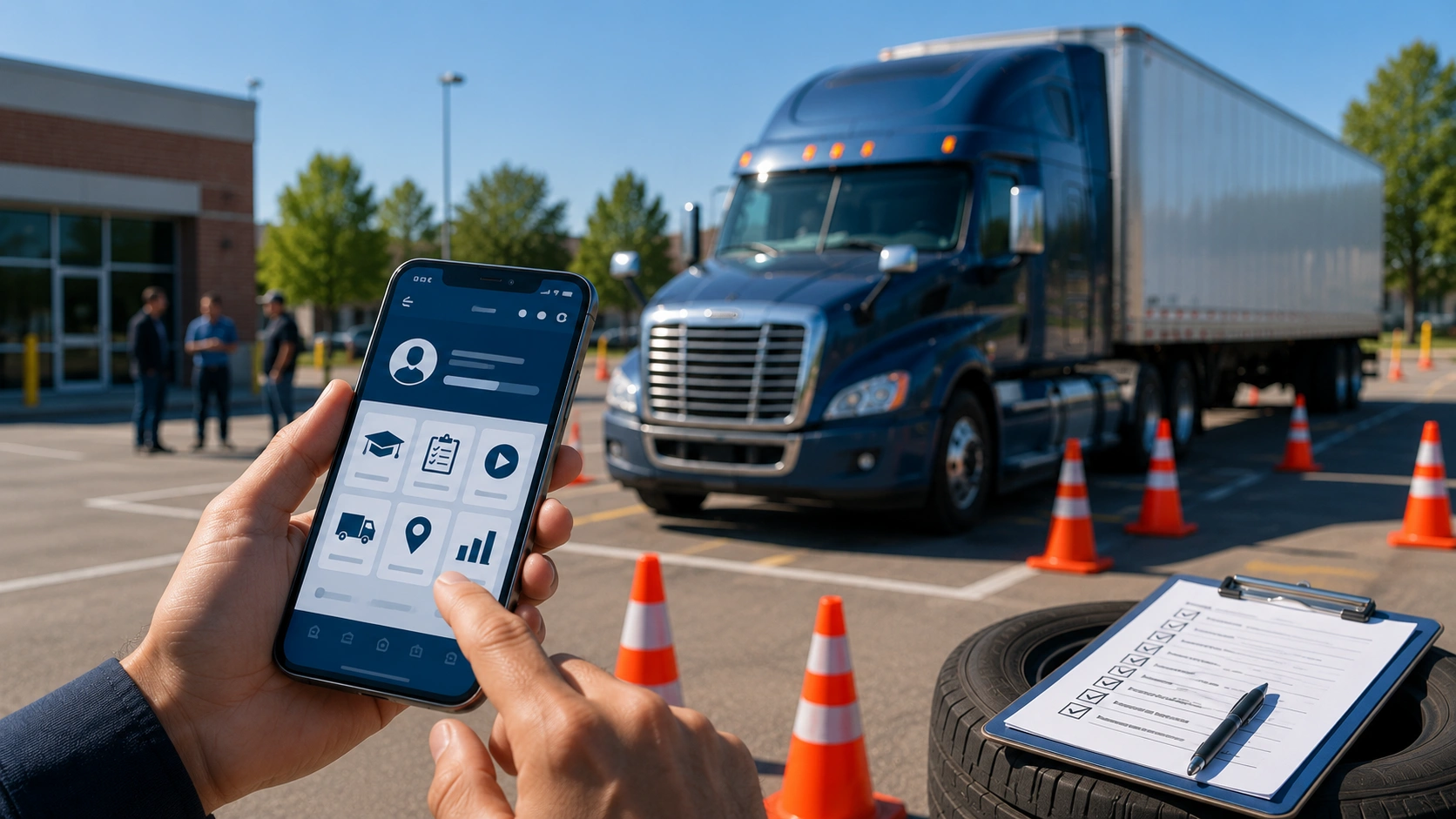

Most driving schools do not lose efficiency in one obvious place. They lose it in small handoffs.
A student calls to check the instructor's availability. A parent asks how many BTW hours are left. An instructor writes notes after a lesson. An admin updates records across multiple systems. A CDL (Commercial Driver's License) coordinator checks whether training documentation is complete.
That is why driving school mobile app development in the USA has become an operational and competitive decision.
Students now expect to book BTW sessions, track completed hours, and practice knowledge tests from their phones. They also expect instructor messaging and road-test feedback without calling the front desk. Teen drivers and adult CDL candidates compare your school experience to the apps they already use every day.
Phone calls, paper progress sheets, and manual BTW records create uncertainty for students. They also create extra work for instructors, admins, and compliance teams.
The right mobile experience should connect booking, BTW progress, test prep, instructor communication, and road-test readiness. Purpose-built driving school mobile and web app development services help plan that workflow without treating it like a generic app.
For CDL programs, custom CDL software and CRM development services extend that mobile layer into ELDT visibility and FMCSA documentation. That same layer can also support instructor sign-off and training record workflows.
This guide breaks down the full mobile app strategy for US driving schools and CDL programs. It covers student apps, CDL platforms, instructor tools, AI automation, cost planning, and advisory decisions.
The US Driving School Mobile App Market: Student Apps vs Professional Apps
Once mobile becomes part of your training model, the next question is scope. Are you building for students, instructors, fleet managers, or all three?
A driver training mobile platform usually has two connected sides. The student-facing app improves the learner journey. The professional app helps your team manage training, records, and field operations.
| Area | Student-Facing App | Professional Instructor & Fleet App |
|---|---|---|
| Primary users | Teen drivers, adult learners, CDL candidates, parents | Instructors, CDL trainers, fleet managers, operations teams |
| Main purpose | Help students manage the licensing journey | Help your team manage daily training work |
| Booking | Lesson booking, reminders, cancellations | Instructor schedules, pickup details, session sequence |
| Progress visibility | BTW hours, classroom hours, road test readiness | Skill assessments, instructor notes, and completed training records |
| Test prep | Knowledge test practice and CDL prep modules | Training history used to guide the next session |
| Communication | Student-instructor messages, reminders, feedback | Session updates, route notes, internal coordination |
| CDL use case | ELDT progress visibility and CDL knowledge prep | FMCSA (Federal Motor Carrier Safety Administration) documentation, BTW logs, TPR-ready records |
| Privacy and compliance | Parent access, FERPA/CCPA considerations, student data controls | FMCSA record-keeping, instructor sign-off, audit-ready logs |
| Business value | Better student experience and fewer front-desk calls | Stronger documentation and better operational visibility |
For standard driving schools, the student app is often the first priority because it improves booking, progress tracking, test preparation, and communication. For CDL programs, the professional side becomes equally important.
A CDL training app USA strategy often needs both experiences to work together. Students need visibility into their progress and test prep. Instructors need mobile tools for BTW logging, ELDT documentation, fleet coordination, and record accuracy.
Must-Have Features in US Driving School Mobile Apps
After you define whether your app is student-facing, instructor-facing, or both, the next step is feature discipline.
A driving school app should not start with every possible feature. Your Minimum Viable Product (MVP) should focus on the workflows that reduce student uncertainty and daily admin pressure.
For most US driving schools, that means starting with the features students and staff use every week.
| Feature Area | What Your App Should Include |
|---|---|
| Lesson booking | Real-time instructor availability, pickup location, preferred time slots, automated confirmations |
| BTW progress tracking | Completed hours, remaining required hours, classroom/simulator progress, estimated eligibility |
| Knowledge test prep | State-specific practice questions, road sign review, hazard scenarios, and practice scores |
| Instructor communication | In-app messaging, route updates, session preparation notes, and post-session feedback |
| Road test readiness | Skill assessment scores, BTW completion, test prep performance, and instructor recommendation |
The point is not to overload the app with features. It is to build the minimum set of mobile workflows that connect the student journey to your school's daily operations.
Once these basics are in place, advanced layers become easier to plan. That includes CDL training modules, instructor apps, and AI-driven performance analytics.
For the full breakdown, see Must-Have Features in Modern US Driving School Mobile Apps.
CDL Test Prep and Training Platforms: The Compliance-Driven Mobile Category
A CDL mobile platform carries more responsibility than a standard driving school app. A passenger-driver app may focus on booking, BTW progress, and road test readiness. A CDL platform must support a regulated training path that connects learning activities, instructor verification, and FMCSA documentation.
That starts with CDL knowledge test preparation. It should cover the major knowledge areas:
- General Knowledge
- Air Brakes
- Combination Vehicles
- Hazardous Materials
- Passenger Transport
- Tank Vehicles
- School Bus
Each module should be reviewed against current FMCSA standards and state-specific DMV requirements. Generic CDL questions are not enough. CDL test prep should not be positioned as a substitute for formal FMCSA-compliant ELDT training.
The mobile app solution connects test prep, ELDT tracking, instructor sign-off, and pre-trip inspection practice. It should also include skills-test support, such as backing guides, alley dock steps, parallel parking practice, and coupling/uncoupling checklists.
For your business, this creates a stronger student learning experience. It also reduces the manual work of rebuilding compliance records after training.
Driving Instructor and Fleet Manager Mobile Apps
The student app is what your customers see. The instructor app is what determines whether your school can actually deliver the training experience you promised. It becomes the field tool instructors use to manage daily schedules, student history, BTW records, vehicle assignments, and compliance documentation.
A professional instructor app should help your team manage:
- Daily session schedules: The day's full lesson sequence, student details, pickup locations, license type, and assigned vehicle.
- Student history: Assigned student profiles, previous training notes, completed BTW hours, and students approaching road test eligibility.
- Mobile BTW session logging: Lesson start and end time, vehicle used, route driven, skills practiced, instructor notes, and digital sign-off from a smartphone.
- Compliance-ready BTW records: Session logs should be accurate, locked after sign-off, and easy to retrieve because BTW logs are legal compliance records.
- CDL ELDT documentation: Curriculum progress by domain, range skills, on-road hours, FMCSA-ready records, and instructor verification for each CDL student.
- Fleet dispatch visibility: Real-time vehicle assignment, fuel level, current availability, next maintenance window, and incident reporting.
The business impact is direct. Instructors spend less time reconstructing records after lessons. Operations teams get better visibility. Your school improves documentation quality.
AI and Automation in US Driving School Apps
AI only becomes useful in a driving school app when the underlying training data is reliable. Without consistent BTW logs, skill assessments, route history, and progress records, automation has very little to work with. But once those workflows are captured digitally, AI can help your school make better instructional and operational decisions.
For example, a student may have enough completed hours but still struggle with lane positioning, mirror checks, or speed control. An AI-assisted app can surface those patterns before the road test. It can recommend the next lesson focus or alert the instructor that a student needs more practice in specific environments.
The most practical automation opportunities include:
- AI-adaptive lesson planning: Algorithms can analyze student skill assessment data and recommend next-session focus areas, giving the instructor a data-informed lesson plan.
- Route tracking and optimization: Matching BTW routes to the student's current ability level and training goals.
- Performance analytics: Identifying repeated issues such as lane positioning, mirror use, speed control, or parking difficulty.
- Road test readiness signals: Combining BTW completion, knowledge test performance, instructor ratings, and error patterns.
- Automated progress notifications: Trigger-based alerts can notify students when they reach milestones, approach road test eligibility, or stop scheduling lessons.
Experienced instructors may already recognize these patterns manually. AI makes pattern recognition easier to apply across more students, instructors, vehicles, and locations.
Driving School App Development Cost and Platform Strategy
The real price of a driving school app is determined by the workflows it must own. If the app only helps students book lessons, its scope is limited. If it becomes the system your instructors use to capture BTW logs, instructor sign-off, and GPS route history, the investment changes. ELDT progress and FMCSA documentation add further scope at that stage.
According to public app development benchmarks, basic apps cost around $40,000–$100,000. Complex solutions can reach $400,000+. Broader app-development estimates range from $15,000 to $500,000+, depending on complexity, platform, tech stack, and features.
| App Type | Typical Scope | Planning Range |
|---|---|---|
| Basic student-facing app | Lesson booking, progress tracking, knowledge test prep, and reminders | $40,000–$100,000 |
| Mid-scale driving school app | Booking, progress tracking, instructor tools, parent portal, automated communication | $100,000–$250,000 |
| Full CDL training platform | ELDT tracking, FMCSA documentation, fleet management, AI lesson planning, dual mobile apps | $250,000–$700,000 |
Platform choice affects cost earlier than many schools expect. Student-facing apps usually need cross-platform coverage because learners use both iOS and Android. StatCounter's April 2026 US mobile OS data shows iOS at 63.06% and Android at 36.87%. That supports cross-platform planning for student-facing apps.
CDL programs may make a different decision. If instructors or trainees use standardized fleet-owned devices, Android-first development can be practical.
The most underestimated cost is usually the compliance layer. Compliance features like FMCSA/TPR records, DMV data, offline sync, and GPS tracking add complexity that generic estimates often miss.
For detailed cost ranges, read How Much Does a Driving School Mobile App Cost in the USA?
Technology Stack for US Driving School Mobile Apps
Your technology stack should mirror how driver training actually happens.
Students book from their phones. Instructors update records from vehicles. CDL training may take place in areas with unreliable connectivity. That is why most US driving school apps start with a cross-platform approach.
React Native and Flutter can support the common app requirements: lesson booking, progress tracking, knowledge test modules, push notifications, and instructor communication. Native development is usually only worth considering when your app depends on real-time telematics or advanced, high-frequency GPS route tracking.
Your stack should be planned around a few core requirements:
- Mobile framework: React Native or Flutter for most iOS and Android student apps.
- GPS layer: Route logging for BTW sessions, especially when route history supports instructor accountability or CDL documentation.
- Push notification system: Lesson reminders, road test readiness alerts, and re-engagement prompts using tools such as Firebase messaging or Apple remote notifications.
- Offline sync: Required for CDL range and rural on-road training where connectivity may drop.
- Compliance data sync: CDL instructor logs should be reliably synced from the mobile app to the central FMCSA documentation workflow.
- Content backend: State DMV and CDL knowledge test content should be updateable without forcing a full app release.
For schools planning broader mobile functionality, working with a team experienced in custom mobile app development services helps align the framework, backend, and user roles early.
Programs with standardized fleet devices may also need deeper Android development planning. iPhone-first student or instructor experiences may require careful iOS development decisions around notifications, GPS behavior, and offline access.
Privacy, Data Security, and Compliance for Driving School Apps
Driving school apps may store student progress, BTW hours, CDL records, GPS route history, instructor notes, and training completion data. Before development starts, your team needs to define which laws and recordkeeping rules may affect the app.
For schools that may fall under FERPA (Family Educational Rights and Privacy Act), student records require careful access controls. FERPA gives parents the right to access their children's education records. It also gives eligible students control over certain disclosures once rights transfer to them.
For California-based schools, CCPA/CPRA (California Consumer Privacy Act) affects how student contact details, records, and app behavior are handled.
It includes rights to know, delete, correct, opt out of sale or sharing, and limit the use of sensitive personal information.
Your architecture should account for a few sensitive areas:
- Role-based access: Students, parents, instructors, fleet managers, and admins should not all be able to see or edit the same records.
- Minor student consent: Apps serving teen drivers should plan parent approval and electronic consent flows. UETA also establishes legal equivalence between electronic records/signatures and paper records/signatures at the state-law level.
- CDL record integrity: FMCSA's ELDT rules set baseline training requirements for entry-level drivers. The Training Provider Registry retains completion records for the ELDT process.
- GPS data handling: BTW route tracking can capture sensitive location data. Define why GPS data is collected and who can access it. Also specify how long it is retained and when it is deleted.
- Immutable logs: BTW and CDL session records should be protected from unauthorized edits after instructor sign-off.
Generic app builds often fall short here. A secure login is only one part of the requirement. Your app also needs clear rules for record access, log edits, GPS retention, instructor approvals, and CDL documentation sync. That is what keeps student data controlled and training records reliable.
Final Thoughts
US driving school and CDL mobile app development requires domain expertise, not generic app development thinking.
A strong platform must support BTW scheduling, instructor workflows, student progress, road-test readiness, and compliance documentation. For CDL programs, it also requires FMCSA ELDT tracking and TPR-ready records. Accurate CDL knowledge-test content and offline-ready instructor workflows are also essential.
That is why scope planning matters before development begins. A purpose-built mobile app connects the student journey, instructor workflow, and compliance records. Operational data flows into the same system.
If your driving school or CDL program is planning mobile app development, start with scope clarity. Align feature scope, FMCSA compliance needs, and student experience design before development begins. An AI software technology partner can help connect those decisions to how your training operation actually works.
Frequently Asked Questions
How much does it cost to build a driving school mobile app in the USA?
It depends on the workflows the app owns. A basic student-facing app (booking, progress tracking, knowledge test prep, and reminders) typically runs $40,000–$100,000. A mid-scale app that adds instructor tools, a parent portal, and automated communication runs about $100,000–$250,000, and a full CDL training platform with ELDT tracking, FMCSA documentation, fleet management, AI lesson planning, and dual apps can reach $250,000–$700,000. The compliance layer, covering FMCSA/TPR records, DMV data, offline sync, and GPS tracking, is the most commonly underestimated cost.
Should a driving school app be built for students, instructors, or both?
For standard driving schools, the student-facing app is usually the first priority because it improves booking, progress tracking, test prep, and communication. CDL programs typically need the professional instructor and fleet side to work alongside it, so BTW logging, ELDT documentation, and fleet coordination are captured accurately. Many programs ultimately need both experiences connected.
What features should a US driving school mobile app include?
Start with the workflows students and staff use every week: lesson booking with real-time instructor availability, BTW progress tracking, state-specific knowledge test prep, instructor communication, and road-test readiness scoring. Build the minimum viable set first, then layer on CDL training modules, instructor apps, and AI-driven analytics once the basics are in place.
Do CDL training apps have to meet FMCSA and ELDT requirements?
CDL platforms support a regulated training path, so they should align with current FMCSA standards and state DMV requirements, and support ELDT tracking, instructor sign-off, and TPR-ready records. CDL test prep should not be positioned as a substitute for formal FMCSA-compliant ELDT training. The app supports and documents training rather than replacing it.
Should a driving school app be native or cross-platform?
Most US driving school apps start cross-platform (React Native or Flutter) because student learners use both iOS and Android, and one codebase covers booking, progress tracking, test prep, notifications, and messaging. Native development is usually only worth it for real-time telematics or advanced, high-frequency GPS route tracking. CDL programs using standardized fleet-owned devices may choose Android-first.
How is student and CDL data kept secure and compliant?
Plan for role-based access so students, parents, instructors, fleet managers, and admins see only what they should; parent approval and electronic consent flows for minors; immutable BTW and CDL logs that lock after instructor sign-off; clear GPS data retention rules; and CDL record integrity aligned with FMCSA's ELDT rules. Schools may also need to account for FERPA and California's CCPA/CPRA.
Can AI actually improve a driving school app?
AI is only useful once reliable training data, such as BTW logs, skill assessments, route history, and progress records, is captured digitally. From there it can support adaptive lesson planning, route optimization, performance analytics, road-test readiness signals, and automated progress notifications. It makes the pattern recognition experienced instructors already do easier to apply across more students, instructors, vehicles, and locations.


