
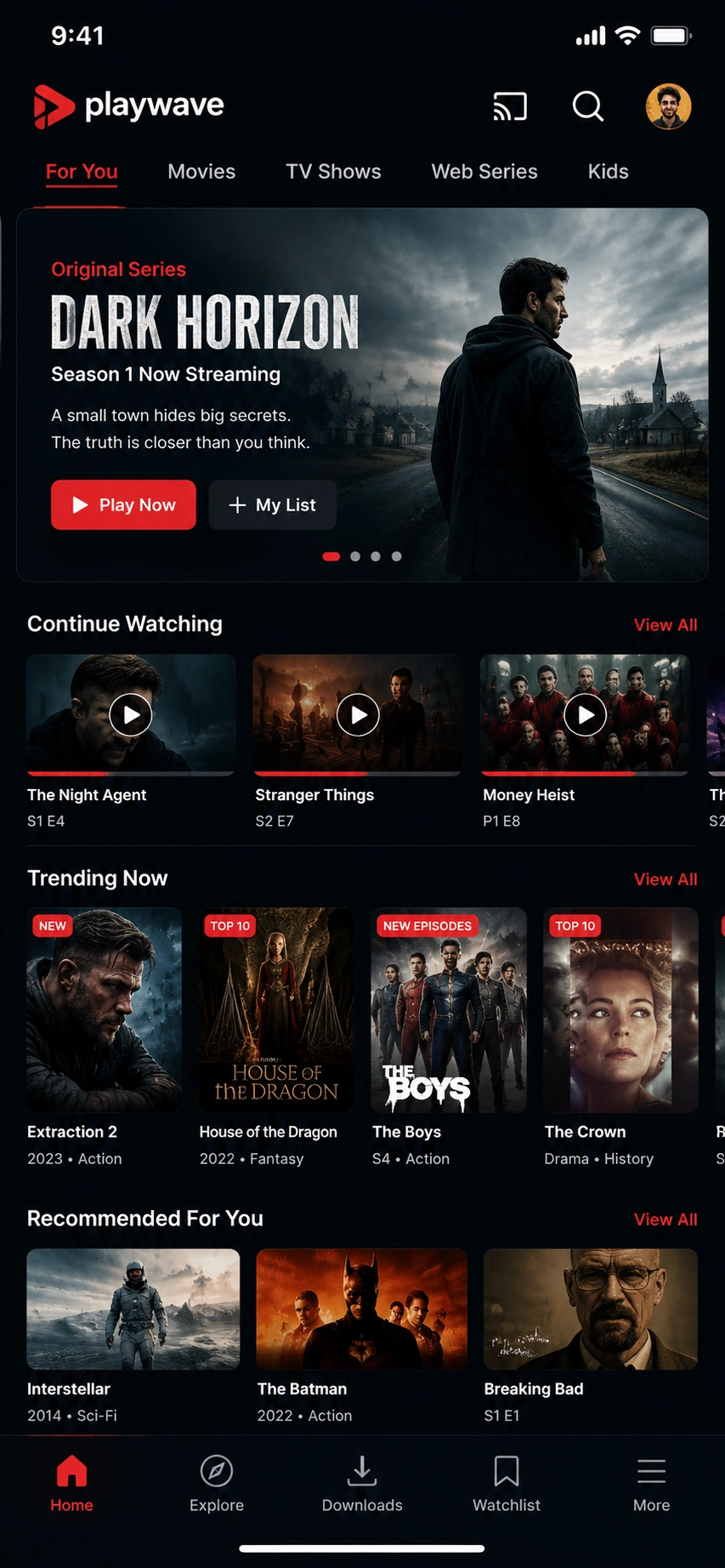
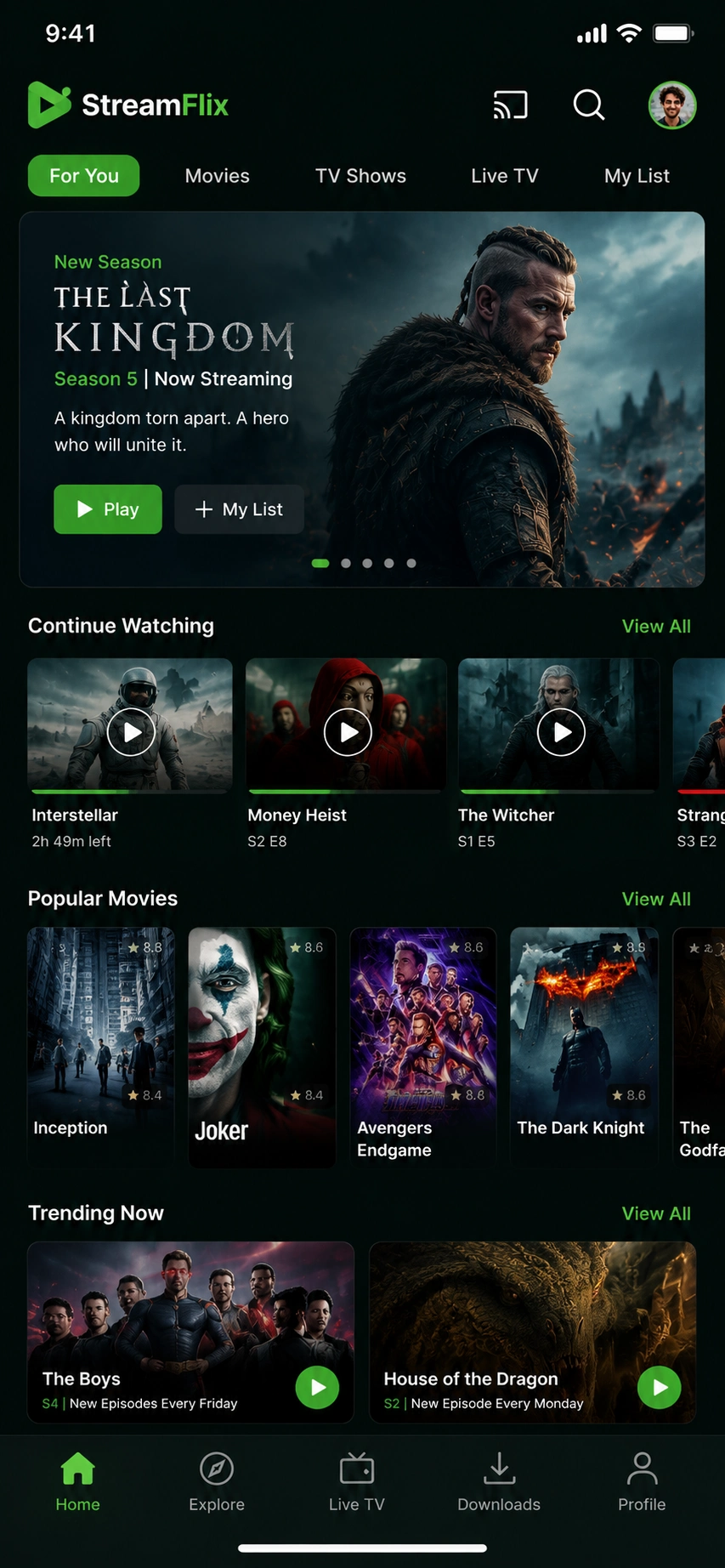


You build a video streaming app by choosing a model and a monetization approach. Models are on-demand VOD, live streaming, or hybrid. Monetization runs on SVOD subscriptions, AVOD advertising, or TVOD transactions. Ship an MVP around a content library, a video player, search, and user profiles. Adaptive bitrate streaming is the core delivery mechanism. The critical early decision is whether to build the video pipeline or rent it. Mux, Cloudflare Stream, and AWS Media Services are the managed options. DRM protects premium content. Widevine covers Android and web. FairPlay covers iOS and Safari.
In the United States in 2026, a lean VOD MVP costs $25,000–$70,000. It can ship in six to ten weeks. A standard multi-platform app with VOD and basic live runs $70,000–$180,000. A Netflix-grade OTT platform with DRM, live, and recommendations exceeds $300,000–$500,000+. Bandwidth and CDN costs are the dominant recurring line item once viewers arrive.
- This guide covers the full path from idea to a launched US streaming app. It includes the video delivery pipeline, DRM, content licensing, tech stack, cost, timeline, and compliance.
- That $674 billion global market in 2024 reflects how completely streaming has displaced traditional distribution. Streaming accounts for roughly 45% of total TV usage. The OTT market is projected to surpass $250 billion in 2026.
- Two truths govern every build decision here. First, the biggest cost lever is build versus rent of the video pipeline. Second, bandwidth and CDN cost scales with viewership and dominates long-term economics.
- This guide is written for media founders, creators, product managers, and CTOs. By the end, you can scope, budget, and brief a streaming build. Explore custom video streaming app development to understand what a full-scope engagement looks like.
What Is a Video Streaming App?
A video streaming app is a mobile, web, or smart-TV application that delivers video over the internet. It combines a content library or live feed with a video player built on adaptive bitrate streaming. A transcoding and CDN pipeline handles delivery. DRM content protection, user profiles, and a monetization layer complete the platform. Platforms like Netflix, Hulu, Disney+, and Twitch made this definition familiar.
A streaming app ingests and transcodes source video into multiple bitrates and resolutions. It then serves the right quality for each viewer’s connection in real time. A CDN handles global distribution with low latency and high throughput. The video player runs across devices, while DRM protects content from unauthorized access. Search, discovery, user profiles, and monetization complete the stack.
The core fork is model type. VOD platforms like Netflix deliver pre-recorded libraries on demand. Live streaming apps like Twitch deliver real-time feeds. Hybrid platforms do both. Monetization splits into three named models. SVOD runs on subscriptions. AVOD is ad-supported, and TVOD is transactional, covering rentals and purchases. Hybrid models layer these tiers.
The video delivery pipeline separates a real streaming app from a simple video player. Transcoding creates multiple renditions from each source file. ABR delivery via HLS or MPEG-DASH adjusts quality to each viewer’s bandwidth. CDN distribution handles global reach and low latency. DRM prevents piracy. Multi-device support across mobile, web, and smart TV is a 2026 baseline expectation.
Why Build a Video Streaming App in 2026? (US Market and Opportunity)
Streaming has overtaken traditional TV. The global video streaming market exceeded $674 billion in 2024. That roughly 45% share of total TV usage marks a structural shift, not a trend.
The OTT market is projected to top $250 billion in 2026. Infrastructure from Mux, Cloudflare Stream, and AWS lets new entrants launch credible platforms today. Building delivery primitives from scratch is no longer necessary.
$674B
The global video streaming market exceeded $674 billion in 2024, reflecting how completely streaming has displaced traditional distribution.
~45%
Streaming accounts for roughly 45% of total TV usage. That share marks a structural shift, not a trend.
$250B
The OTT market is projected to top $250 billion in 2026. Infrastructure from Mux, Cloudflare Stream, and AWS lets new entrants launch credible platforms today.
300M+ / $39B
Netflix exceeded 300 million subscribers and approximately $39 billion in revenue. That proves the model at scale. Competing on broad content at that level is not the opportunity for a new entrant.
Niche and vertical streaming platforms are the strongest entry points. Fitness, education, faith, regional language, and creator community content serve focused audiences well. These niches support premium SVOD pricing and drive higher retention.
Live streaming adds a separate vector entirely. Sports, concerts, and creator content require low-latency delivery. A VOD platform alone cannot replicate that capability.
FAST channels like Pluto TV and Tubi deliver linear curated content monetized through ad insertion. No subscription relationship is required. This extends the streaming model to audiences who resist paywalls.
The 2026 enabler is infrastructure access. Mux, Cloudflare Stream, and AWS Media Services have collapsed the technical barrier. Transcoding, ABR, CDN, and DRM no longer require specialists building from scratch. The differentiator shifts to content, audience, and user experience.
Share your idea, and let’s build the best streaming app ever!
What Types of Video Streaming Apps Can You Build?
Video streaming apps come in three main types. These are on-demand (VOD) platforms, live streaming apps, and hybrid VOD and live services. FAST channels and niche or vertical streaming apps round out the category. Each carries a different delivery pipeline, content model, and cost profile.
The type chosen at the start determines almost everything downstream. VOD is transcoding and storage heavy. Live streaming is real-time ingest heavy. Latency is the core live challenge. FAST and AVOD models add ad insertion complexity. Niche and vertical apps represent the most defensible entry point for new platforms.
On-Demand (VOD) Platforms
VOD platforms deliver pre-recorded libraries on demand. Netflix and Disney+ are the defining examples. The architecture centers on transcoding, storage, and recommendations, which drive discovery and retention at scale.
Live Streaming Apps
Live streaming apps deliver real-time video feeds. Twitch is the primary reference. Real-time ingest runs via RTMP or WebRTC. Low-latency delivery and live chat demand infrastructure that VOD pipelines do not cover. LiveKit handles real-time interactivity at scale.
Hybrid VOD and Live Services
Hybrid platforms carry a pre-recorded library and live event capability simultaneously. Peacock and ESPN+ are the primary examples, with live sports, concerts, and scheduled events sitting alongside a VOD catalog. This model requires the broadest infrastructure footprint of the three types.
FAST Channels (Free Ad-Supported Streaming TV)
FAST channels deliver linear curated streams without a subscription. Pluto TV and Tubi are the leading US examples. Revenue comes from advertising delivered via server-side ad insertion (SSAI). AVOD economics require scale, so audience acquisition is a central concern.
Niche and Vertical Streaming Apps
Vertical streaming apps serve a focused audience with specialized content. Peloton built fitness streaming into a product category, and MasterClass built premium education streaming. Faith, sports, regional language, and creator platforms follow the same logic, supporting premium SVOD pricing and higher retention.
How Does Video Streaming Actually Work? (Transcoding, ABR, CDN and DRM)
Video streaming runs through a four-stage pipeline. Transcoding converts source video into multiple resolutions and bitrates. Adaptive bitrate streaming via HLS or DASH serves the right quality for each connection in real time. A CDN distributes video globally with low latency. DRM encrypts premium content to prevent piracy.
Transcoding
One source file becomes many renditions, including 1080p, 720p, and 480p. H.264 is the baseline codec and broadly compatible. H.265 (HEVC) delivers better compression at higher licensing cost. AV1 offers royalty-free compression and strong performance. It is increasingly used for high-volume delivery.
Adaptive Bitrate Streaming
HLS and MPEG-DASH segment video into small chunks. A player monitors bandwidth and requests the right rendition per segment. This prevents buffering without requiring manual quality selection. ABR behavior across variable network conditions defines playback quality.
CDN Delivery
Cloudflare, Akamai, and AWS CloudFront cache video at global edge nodes. CDN delivery is also the dominant scaling cost at any meaningful viewership level. A viewer in Chicago retrieves video from a nearby edge. Both latency and throughput improve as a result. Every gigabyte served carries a cost that scales directly with viewership. Bandwidth economics must be modeled before launch.
DRM
Widevine covers Android and Chrome. FairPlay covers Apple devices and Safari. PlayReady covers Windows and certain smart-TV platforms. Studios make multi-DRM a contractual condition before any premium licensing deal is signed. Without it, premium content licensing deals are unavailable.
Build vs. Rent
The most important 2026 decision is whether to build the pipeline or rent it. Mux, Cloudflare Stream, and AWS MediaConvert and MediaLive handle transcoding, ABR, DRM, and CDN as managed services. Teams should almost never build these primitives from scratch. The engineering cost to match managed services is not justified for most products. Live streaming adds real-time ingest via RTMP or WebRTC. This compounds the latency challenge well beyond what a VOD pipeline handles.
What Features Does a Video Streaming App Need? (Must-Have and Advanced)
A video streaming app needs a content library or live feed and a video player with adaptive bitrate streaming. Search and content categorization keep users oriented. User registration with multi-profile support, subscription or monetization management, and offline downloads are baseline expectations. Cross-device playback across mobile, web, and smart TV completes the MVP. Advanced builds add DRM, AI recommendations, live chat, multi-language subtitles, and ad insertion.
Core / MVP Features
Must-haveContent library or live feed is the foundation. Every other feature serves it.
Video player with ABR is the product. Mux Player and Video.js are the dominant web options. ExoPlayer powers Android playback. AVPlayer handles iOS. The player must switch bitrates invisibly and handle buffering recovery gracefully.
Search and categorization let users find content. Algolia handles fast, typo-tolerant search at scale.
User registration, authentication, and multi-profile support are expected. A single account with separate viewing profiles per household member is baseline by 2026.
Subscription and monetization management connects to billing infrastructure. Stripe handles recurring subscription payments with PCI-DSS scope offloaded from the application.
Cross-device playback continuity lets users resume a title on any device. This requires watch history synced at the account level, not the device level.
Content & Delivery Features
InfrastructureTranscoding pipeline converts uploads into multi-bitrate renditions. AWS MediaConvert or Mux handles this without custom infrastructure.
CDN delivery via Cloudflare CDN distributes video globally. Edge caching reduces latency and origin load.
DRM protection via Widevine and FairPlay is required before any licensed premium content can be distributed. This is not optional for studio or licensed catalog content.
Offline downloads allow authenticated users to save titles for playback without connectivity. This feature requires DRM-gated download control.
Multiple subtitles and closed captions serve accessibility requirements under the CVAA and also expand international reach.
Advanced / Differentiating Features
AdvancedAI recommendations drive discovery and watch time. At scale, the recommendation engine becomes the product. What users watch next determines retention.
Live streaming with chat requires a real-time ingest pipeline and a low-latency delivery path. LiveKit handles the real-time communication layer. Chat moderation is a separate operational surface.
Server-side ad insertion (SSAI) stitches ads into the stream server-side, bypassing client-side ad blockers. SSAI is required for any AVOD or FAST channel.
Watch parties allow synchronized viewing with friends. This feature adds social infrastructure.
Chromecast and AirPlay support extend playback to TV screens from mobile and web devices. TensorFlow powers custom recommendation models where off-the-shelf systems are insufficient.
How Do You Build a Video Streaming App? Step-by-Step
Building a video streaming app follows seven stages. Start by defining the model and MVP. Then select a streaming provider and confirm the build-versus-rent decision. Design the content library layout and playback UX next. Choose the tech stack and target devices before development begins. Develop the app, backend, and pipeline as the core build phase. Test playback across devices and networks thoroughly. Then deploy across app stores and smart-TV platforms and iterate.
Define the model and MVP
Choose VOD, live, or hybrid and pick the monetization model from SVOD, AVOD, TVOD, or hybrid. Produce a product requirements document with a clear feature cut-line. Every decision here shapes cost and timeline.
Decide build versus rent and choose a streaming provider
This is the most consequential architectural decision in the project. Mux, Cloudflare Stream, and AWS Media Services each offer managed transcoding, ABR, CDN, and DRM. Evaluate based on DRM requirements, pricing model, and regional delivery needs. Renting is the right answer for most products. DRM requirements should be determined early since they affect both provider selection and licensing timelines.
Design the content and playback UX
Wireframe the content library, video player, search, profiles, and navigation in Figma. Player UX deserves its own design sprint, since it is the highest retention-impact surface on the platform. Test wireframes with real users before development begins.
Choose the tech stack and target devices
Mobile, web, and smart-TV apps are each a separate build. Decisions on platforms, such as React Native versus Flutter versus native, have direct timeline and cost implications. The custom software development approach shapes how backend architecture and the video pipeline are structured across the stack.
Develop the app, backend, pipeline, DRM, and monetization
The video player integrates with the managed pipeline provider. The backend handles user management, content metadata, billing, and analytics. DRM integration requires testing across each target device and browser. Content ingest workflows must be designed before content populates the platform.
Test playback across devices, networks, and load
Testing ABR behavior across poor, moderate, and high-bandwidth connections is non-negotiable before any public launch. DRM playback must be verified on each target platform. Load testing simulates peak concurrent viewership before public launch.
Deploy across stores and smart TVs, then iterate
App Store Connect and Google Play Console handle mobile submissions. Roku, Apple TV, and Fire TV each have separate certification processes. Deploy analytics, scale CDN as viewership grows, and iterate features based on real usage data.
What Tech Stack Is Used to Build a Video Streaming App?
The dominant 2026 mobile layer uses React Native or Flutter. Native apps handle Roku, Apple TV, and Fire TV. React or Next.js powers the web client. Node.js or Python handles the backend, with PostgreSQL managing metadata. A managed video pipeline from Mux, Cloudflare Stream, or AWS MediaConvert and MediaLive handles transcoding and ABR. A CDN covers delivery, multi-DRM protects content, and Stripe manages billing.
Rent the video primitives instead of building transcoding, ABR, and DRM in-house. This stack reaches a large scale before re-architecture is needed. Smart-TV clients are real, separate builds that multiply client development effort and must not be underestimated in scoping.
| Layer | Recommended Tools | Why |
|---|---|---|
| Mobile clients | React Native, Flutter | Cross-platform with native performance; DRM may require native modules |
| Smart TV clients | Native (Roku, tvOS, Fire TV, Android TV) | DRM and playback certification require native SDKs |
| Web client | React, Next.js | Fast rendering, SSR for SEO, broad device support |
| Backend | Node.js, Python | Scalable API layer for auth, metadata, billing, and webhooks |
| Metadata database | PostgreSQL | Relational structure suits content catalogs and user data |
| Video pipeline | Mux, Cloudflare Stream, AWS MediaConvert / MediaLive | Managed transcoding, ABR, DRM, CDN — do not build from scratch |
| CDN | Cloudflare CDN, AWS CloudFront, Akamai | Global edge delivery; cost scales with viewership |
| DRM | Widevine, FairPlay, PlayReady | Multi-DRM required for licensed content across all platforms |
| Video player | Mux Player, Video.js, ExoPlayer, AVPlayer | Per-platform players with ABR and DRM support |
| Billing | Stripe | Subscription management, tokenized payment, reduced PCI scope |
| Search | Algolia | Fast catalog search and filtering at scale |
| Recommendations | TensorFlow, AWS Personalize | Personalized discovery; major retention driver |
| Analytics | Mux Data, custom dashboards | Playback quality metrics and content performance data |
Cross-platform frameworks work well for mobile and web. Native clients remain necessary for smart TV due to DRM certification requirements. Roku, Apple TV, and Fire TV each carry distinct SDKs, certification requirements, and UX constraints.
For web application development covering the streaming player and CMS, Next.js serves both surfaces efficiently. Teams handling mobile app development alongside the web should verify React Native’s DRM playback support before committing to the framework.
What AI and Automation Features Belong in a 2026 Video Streaming App?
The AI features that define a competitive 2026 streaming app start with personalized content recommendations. Automated content tagging and metadata generation reduce editorial overhead. AI-generated subtitles and dubbing expand reach across languages. AI-powered video search by scene or object improves discovery. Content moderation serves UGC platforms, and AI-driven ad targeting improves relevance at scale.
AI content recommendations
AI content recommendations are the single biggest retention lever once a catalog exceeds a few hundred titles. The recommendation engine consumes viewing history, watch time, content metadata, and behavioral signals to surface relevant next titles. At Netflix’s scale, recommendations drive the majority of content consumption. At a smaller scale, they reduce churn by keeping users discovering content they would not have searched for.
Automated content tagging
Automated content tagging uses AWS Rekognition and Transcribe to extract scene classifications, speaker detection, and keyword metadata. This reduces manual cataloging labor.
AI-generated subtitles and dubbing
AI-generated subtitles and dubbing serve two purposes simultaneously. AWS Transcribe generates closed captions automatically, satisfying CVAA requirements at lower cost than manual captioning. Dubbing and translation extend content reach without re-licensing.
AI-powered video search
AI-powered video search lets users query scenes, objects, or spoken phrases rather than titles. This capability meaningfully improves discovery for documentary and instructional content.
Content moderation
Content moderation is essential for any platform with UGC or live streaming. Automated moderation using AWS Rekognition catches policy violations at a speed no human moderation team can match.
AI-driven ad targeting
AI-driven ad targeting improves ad yield on AVOD platforms. It matches creative to viewer context without relying on third-party cookies. The OpenAI API supports conversational search and natural language content discovery layers.
How Do You Handle Content Licensing, Ratings and Captioning?
You handle content legally by securing licensing rights for any content you do not own. MPA film ratings and TV Parental Guidelines apply to all distributed content. US closed-captioning and accessibility requirements under the CVAA and ADA must also be met. All of this is enforced through your content management system and DRM configuration.
Content licensing
Content licensing is the first operational reality. If the platform does not own the content it distributes, rights must be negotiated. Licensing deals specify territory, term, exclusivity, and concurrent stream limits. Rights expire and must be tracked. Music sync rights are a hidden trap. Video content that includes background music carries separate licensing requirements even when the video itself is cleared.
DRM
DRM satisfies those licensing obligations directly. Studios contractually require multi-DRM protection for premium licensed content. Widevine, FairPlay, and PlayReady cover the major platform surfaces. Without DRM, premium content deals are unavailable. DRM is both a technical and contractual requirement.
Content ratings
Content ratings apply at the content management layer. MPA film ratings and TV Parental Guidelines must be ingested and stored with each title. Maturity-gated profiles and parental controls enforce ratings at the user level. These controls must function across all device clients.
Closed captioning
Closed captioning is a legal obligation for many US platforms under the CVAA. The Act requires captions for video content that has previously aired on TV with captions. ADA exposure extends accessibility obligations to player controls and interface navigation. Captions must be accurate, synchronized, and served as timed text tracks alongside video renditions. This section does not constitute legal advice. Verify current CVAA and ADA obligations with counsel before launch.
How Much Does It Cost to Build a Video Streaming App in the US? (2026)
A lean VOD MVP costs $25,000 to $70,000. A standard multi-platform app with VOD and basic live runs $70,000–$180,000. A Netflix-grade OTT platform with DRM, live, AI recommendations, and multi-region delivery exceeds $300,000 to $500,000 or more. Bandwidth and CDN are the dominant ongoing costs. They scale directly with viewership.
Cost by Build Tier
| Tier | Scope | Typical US Range | Timeline |
|---|---|---|---|
| VOD MVP | Web-only, managed pipeline (Mux or Cloudflare Stream), basic auth, SVOD billing | $25,000–$70,000 | 6–10 weeks |
| Standard multi-platform | Mobile + web, VOD + basic live, DRM, multi-profile, Stripe billing | $70,000–$180,000 | 3–5 months |
| Netflix-grade OTT | Mobile + web + smart TV, DRM, live, AI recommendations, multi-region CDN | $300,000–$500,000+ | 6–12+ months |
What Drives Streaming App Cost the Most?
Build versus rent of the video pipeline is the single largest cost lever. Renting Mux, Cloudflare Stream, or AWS Media Services keeps a credible web-only VOD launch under $50,000. Building transcoding and ABR from scratch adds months of engineering and significant cost. The number of target devices is the second major driver. Each smart-TV platform including Roku, Apple TV, Fire TV, and Android TV is a separate client build. iOS and Android each add a separate mobile client build on top of that smart-TV footprint. Both expand QA scope significantly. DRM adds cost since certification is required per platform. Live streaming via AWS MediaLive adds engineering complexity, and AI recommendations and SSAI each add meaningful scope.
Ongoing Costs for Bandwidth, CDN and Licensing
Bandwidth and CDN delivery are the dominant recurring costs in streaming economics. Both Cloudflare and AWS CloudFront bill per gigabyte delivered with no volume ceiling. A platform with 10,000 concurrent HD viewers can spend tens of thousands of dollars monthly on delivery. That cost scales directly with viewership. Model revenue per viewer against delivery cost per viewer before launch.
Storage cost scales with catalog size and transcoded renditions per title. Transcoding minutes are billed per use on managed services like Mux. Content licensing fees are recurring and often tied to viewership or term. Platform maintenance runs 15 to 25% of the initial build cost annually.
Wish to Calculate How Much Your Streaming App Will Cost?
We can help you determine the cost of your video streaming application and provide assistance in quickly building your dream solution.
How Long Does It Take to Build a Video Streaming App?
A web-only VOD MVP on a managed pipeline takes 6 to 10 weeks. A standard multi-platform app with VOD and basic live runs 3 to 5 months. A production-grade OTT platform takes 6 to 12 or more months. Smart-TV apps, DRM integration, and live streaming extend timelines the most.
Discovery and design run three to five weeks. This phase covers requirements definition, pipeline provider selection, wireframes, and tech stack decisions. Pipeline integration with Mux or Cloudflare Stream runs in parallel because provider onboarding carries its own lead time.
The core build covers player integration, backend APIs, content ingest workflows, user management, and billing. This phase spans four to eight weeks for an MVP and eight to fourteen weeks for multi-platform builds. Smart-TV clients add two to four weeks per platform. Each requires a separate native build and DRM certification.
QA across devices and network conditions adds two to four weeks. App Store Connect and Google Play Console each carry review timelines of one to two weeks. Smart-TV certification adds further time per platform. Renting the video pipeline via Mux or Cloudflare Stream compresses every phase. Building transcoding and ABR from scratch can add three to six months to any tier.
What Are the Biggest Challenges and Mistakes When Building a Video Streaming App?
The biggest mistake is building the video pipeline from scratch. Mux, Cloudflare Stream, and AWS all offer it as a managed service. Under-budgeting bandwidth and CDN costs that grow with success is the next critical error. Poor playback quality destroys retention and cannot be deprioritized. Skipping DRM that licensed content contractually requires creates real legal exposure. Multi-device complexity across mobile, web, and smart TV is routinely underestimated. Captioning obligations under the CVAA and ADA are an operational and legal line item, not an afterthought.
Building the Video Pipeline From Scratch
Transcoding, adaptive bitrate streaming, and DRM are solved problems available as managed services. Mux, Cloudflare Stream, and AWS Media Services deliver these at a quality level that takes years to match. Teams that build these primitives spend a budget on solved problems instead of differentiation.
Under-Budgeting Bandwidth and CDN Costs
CDN delivery is the cost that scales directly with success. Cloudflare and AWS CloudFront charge per gigabyte delivered. At 10,000 concurrent HD viewers, monthly delivery spend can reach levels that outpace early revenue projections. Platforms that skip unit-economic modeling can spend more on CDN than they collect in revenue.
Poor Playback Quality and Buffering
No content quality compensates for buffering or audio sync errors. The player and CDN configuration deserve dedicated QA across real device and network conditions. ABR behavior must be tested across poor, moderate, and high-bandwidth connections.
Skipping DRM
DRM gaps block content licensing deals before they start. Studios require multi-DRM coverage across Widevine, FairPlay, and PlayReady before granting premium licenses. DRM requirements should be determined at the architecture stage, not after development begins.
Underestimating Multi-Device Complexity
Each smart-TV platform including Roku, Apple TV, Fire TV, and Android TV is a separate client build. Mobile adds iOS and Android clients on top of that. Teams that treat smart TV as a minor extension routinely push launches out by a quarter or more.
Overlooking Captioning and Accessibility
The CVAA requires closed captions for online video that previously aired on TV with captions. Player controls, navigation flows, and interface elements all fall within ADA obligations. An experienced development partner addresses all six areas before a line of code is written.
What Compliance and Security Rules Apply to US Streaming Apps?
US video streaming apps must meet CVAA closed-captioning and ADA accessibility requirements. PCI-DSS applies to subscription payments, typically offloaded via Stripe. CCPA, CPRA, and state privacy laws govern viewer data collection and use. COPPA applies to any platform serving kids’ content. Content licensing and DRM obligations apply to all premium video. App Store and smart-TV platform policies add another compliance layer. Encryption standards protect secure content delivery end to end.
Accessibility is the most platform-specific compliance area. The CVAA requires closed captions for online video that previously aired on TV with captions. ADA obligations extend to player controls, navigation, and interface elements. US streaming platforms face real litigation exposure here.
Subscription payments are PCI-DSS scoped. Using Stripe for tokenized billing removes most PCI obligations since card data never touches the platform’s servers. CCPA and CPRA govern California viewer data. State privacy laws from Virginia, Colorado, and Texas extend similar obligations nationally.
The Video Privacy Protection Act (VPPA) is a streaming-specific US law with real litigation history. It restricts disclosure of video-viewing records without user consent. Sharing viewing data with ad partners or analytics services without proper consent mechanisms creates genuine VPPA exposure.
COPPA applies to any platform with kids’ content or users under thirteen. It requires maturity controls and restricted profile modes at the product layer. Apple, Google, and Roku each add age-rating review requirements at submission.
Security requirements include DRM and HTTPS, secure API design, and anti-piracy monitoring. This section does not constitute legal advice, so verify current obligations with counsel.
How Do Video Streaming Apps Make Money? (Monetization Models)
Video streaming apps make money through subscriptions (SVOD) like Netflix and advertising (AVOD) like Tubi. AVOD monetization runs on server-side ad insertion. Transactional rentals or purchases (TVOD) serve events and premium content. Hybrid models combine an ad-supported tier with a premium subscription. Subscription retention and ad yield are the defining economic levers, weighed against bandwidth cost per viewer.
SVOD
SVOD is the most common model for premium content platforms. Viewers pay a recurring subscription fee, revenue is predictable, and churn is the core risk. Netflix is the primary reference, and SVOD economics favor platforms with strong content and high retention.
AVOD
AVOD serves free viewers and monetizes through advertising. Tubi is the leading US example. Revenue depends on ad yield per view, which requires scale. SSAI inserts ads at the delivery layer rather than the client layer. This bypasses ad-blocker interference and improves yield reliability. AVOD platforms often spend more on CDN delivery per viewer than ad revenue covers.
TVOD
TVOD enables transactional rentals or individual purchases. It suits event content, new film releases, and premium live events better than a subscription would. TVOD integrates with Stripe at the transaction layer.
Hybrid
Hybrid monetization is the 2026 norm. A free ad-supported tier drives acquisition. A premium subscription tier removes ads and adds features. This lets platforms monetize both price-sensitive and premium audiences.
Every viewer costs bandwidth regardless of model, so monetization per viewer must exceed delivery cost. ARPU versus cost-to-serve is the unit economic calculation that determines platform sustainability.