
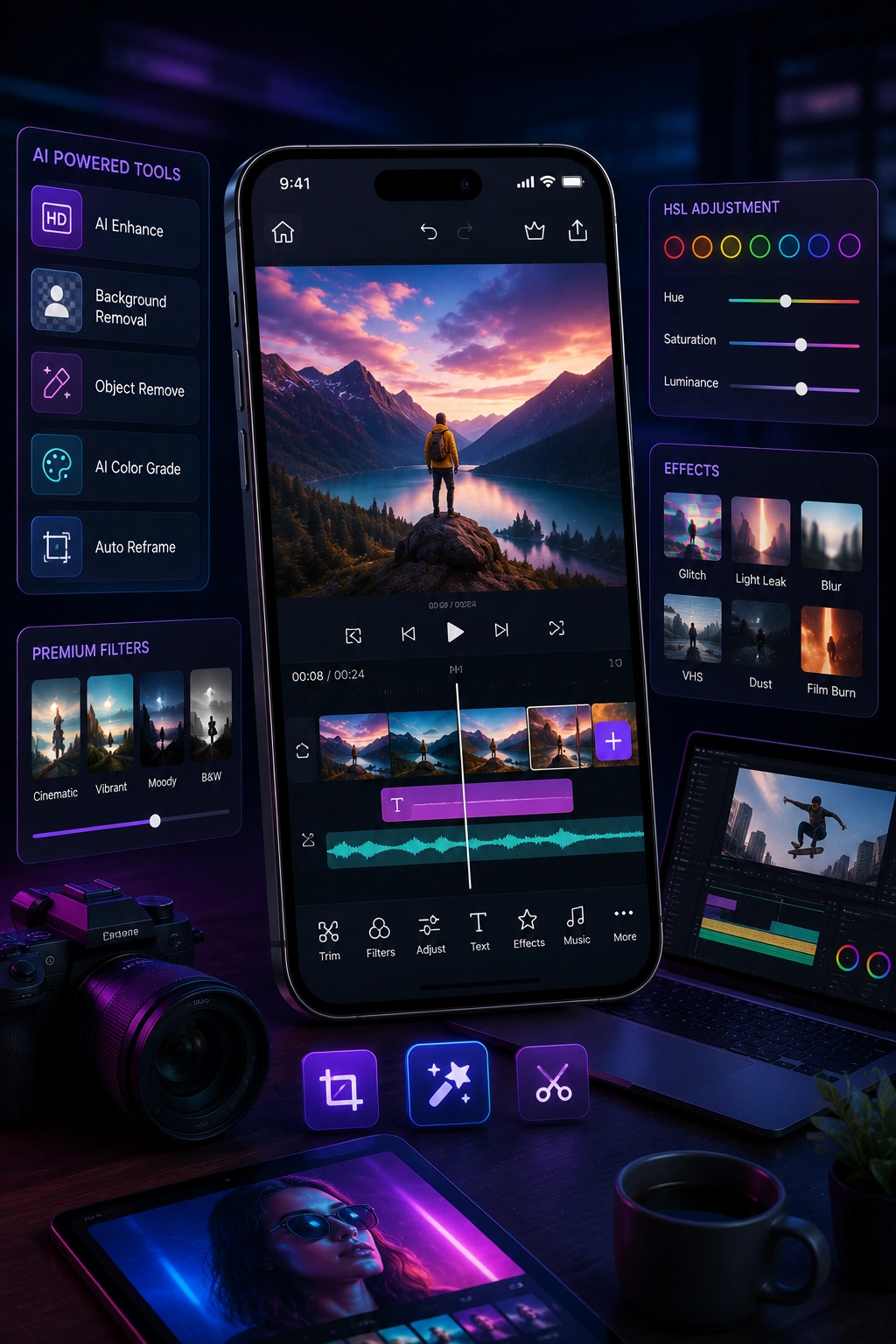
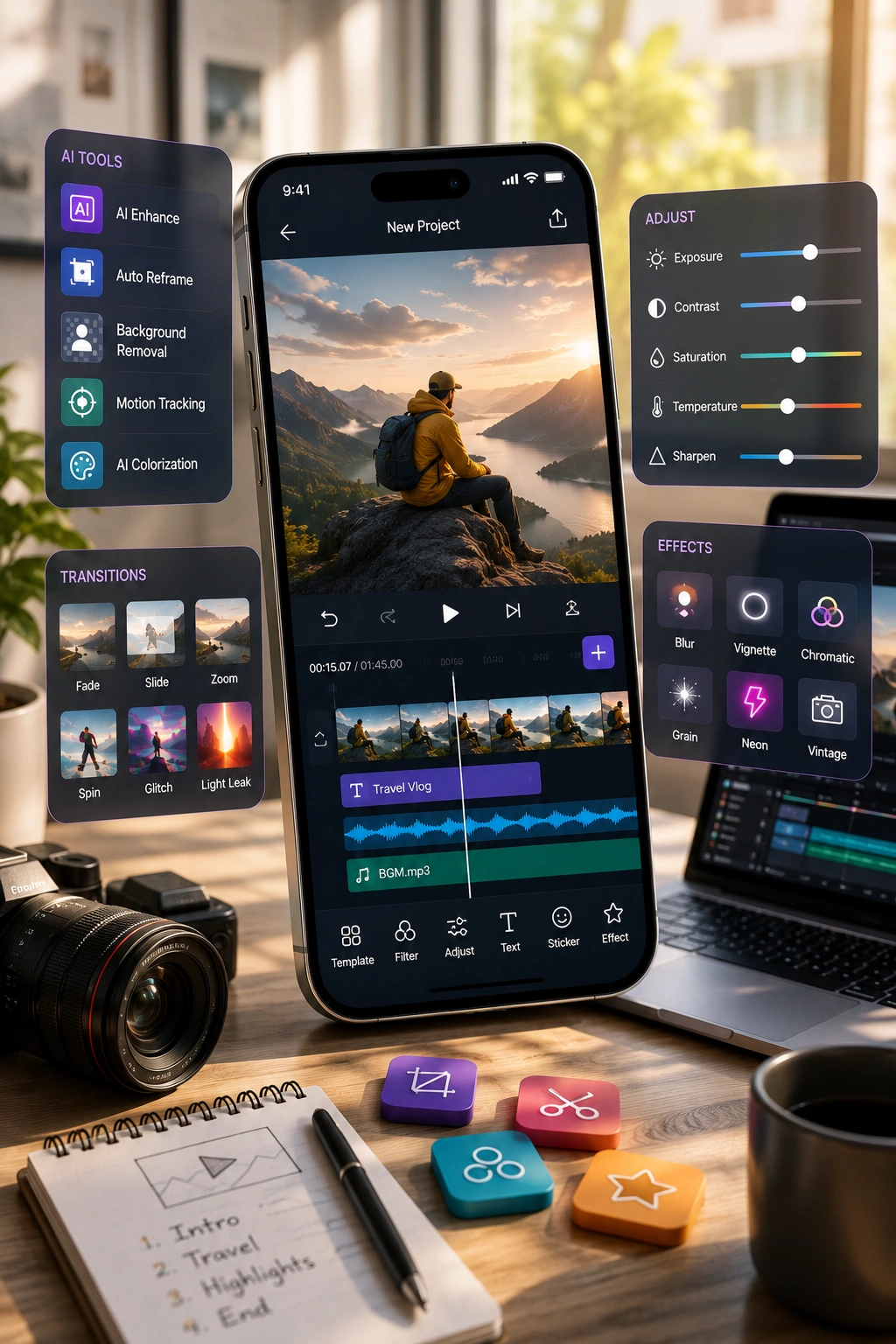


You build a photo or video editing app by choosing a focused niche first. That means picking a social-first short video, photo aesthetics, or a prosumer tool. You then build a high-performance editing engine around three parts. A smooth multi-track timeline comes first, followed by an effects and filter engine. A reliable export pipeline completes that core engine.
You also decide between on-device and cloud processing early. From there, you layer in AI features creators now expect. Auto-captions, background removal, and smart cropping all fall into this category. In the United States in 2026, a basic editing MVP starts around $30,000, with cost scaling by tier from there. Full pricing detail follows in the cost section ahead.
This guide covers the complete path from idea to a launched US editing app. That includes niche choice, the editing engine, on-device-versus-cloud, AI tools, features, tech stack, cost, timeline, and compliance.
Timing matters here. Video reportedly makes up more than 82 percent of internet traffic. The mobile video-editing market was valued near $1.2 billion in 2023. It is growing at an estimated 12 to 15 percent annual rate. Short-form content on TikTok, Reels, and Shorts is driving that growth directly.
CapCut's recent price hikes have opened real room for new entrants. US-ban uncertainty around the app adds further opportunity for competitors.
Two truths matter more than anything else here. First, this is a performance-engineering build, not a simple feature list. The timeline and rendering pipeline are genuinely the hard part. Second, you should own a prosumer niche, not clone a pro suite. These two decisions lay the foundation for successful custom video editing app development.
Who this guide is for
This guide is written for creator-economy founders and social media brands. It is also written for product managers and CTOs planning a build. By the end, you will be able to scope, budget, and brief a real project.
What Is A Photo/Video Editing App?
A photo or video editing app lets users import, edit, and export media. It combines a timeline or canvas with trimming and cutting tools. Filters, effects, text, and overlays sit alongside these core operations. Audio tools and an export or rendering pipeline complete the picture.
The category spans social-first video editors like CapCut and InShot. It includes photo-aesthetic apps like VSCO. Prosumer tools like Adobe Lightroom and DaVinci Resolve round out the space.
Underneath that definition sits real engineering complexity. Media import handles the initial photo or video file. The editing surface differs by format, meaning a multi-track timeline for video.
A layered canvas serves photo editing instead. Core operations include trim, cut, crop, filters, transitions, speed, and color work. Text, overlays, and stickers add a creative layer on top of that. Audio tools cover music, voiceover, and sound effects together. AI enhancements sit above all of this as an added layer. The export and rendering pipeline encodes everything into platform-ready formats.
A few forks matter most for getting this build right. Photo differs sharply from video, since video adds rendering complexity and a full timeline. Mobile differs from desktop too, since screen size reshapes the entire editing experience. Template-driven, social-first apps like CapCut prioritize speed and ease.
Pro tools like DaVinci Resolve and Lightroom prioritize granular control instead. Smooth real-time preview and reliable export are what users actually judge. Performance is the real product in this category, and that makes custom mobile app development a critical piece of getting the editing experience right.

Estimate Your App Development
Cost in Seconds
Discover your project budget with our interactive AI-powered app cost calculator.
Why Build A Photo/Video Editing App In 2026? (US Market and Opportunity)
You build an editing app in 2026 because the creator economy runs on video, and video dominates how people consume content online now. The mobile video-editing market reflects that shift directly. The mobile video-editing market was valued near $1.2 billion in 2023. It is growing at an estimated 12 to 15 percent annual rate.
Over 70 percent of social traffic is reportedly video content. Incumbent disruption is opening real space for new entrants. CapCut's price jumped to roughly $19.99 per month recently. US-ban uncertainty is pushing creators to look for alternatives. That combination leaves room for fast, niche, AI-first editors.
82%+
Of internet traffic is video
$1.2B
Mobile video-editing market, 2023
12–15%
Estimated annual growth rate
$19.99
CapCut's reported monthly price
These figures point to a market shaped by short-form content specifically. Video's dominant share of internet traffic is not a passing trend. TikTok, Reels, and YouTube Shorts continue driving that consumption pattern directly. Market growth in the 12 to 15 percent range reflects real, sustained demand.
Incumbent weakness adds real opportunity on top of that growth. CapCut's pricing reportedly jumped from around $9.99 to nearly $19.99 monthly. EU pricing reportedly runs closer to €29.99 in some markets. That price jump has genuinely frustrated a meaningful share of its user base. US-ban risk around the app adds further uncertainty for loyal users. Strong free competitors, including DaVinci Resolve and VN Editor, are absorbing some of that frustration already.
The real strategy here is not fighting Premiere Pro or DaVinci on raw power
It is winning the prosumer and social-first niche instead. Speed, AI automation, and one frustration-solving feature matter more than depth. CapCut's original success came from ease of use, not editing depth. The 2026 expectation has shifted accordingly. AI-driven automation, real-time rendering, and seamless social publishing are now table stakes. Meeting that baseline, then adding one sharp differentiator, is the realistic path forward.
What Types of Photo/Video Editing Apps Can You Build?
The main types are social-first short-video editors, like CapCut and InShot. Photo-aesthetic and filter apps, like VSCO, form a second type. Pro and prosumer editors with granular control, like Lightroom and DaVinci Resolve, make up a third category. AI auto-editing apps, which detect highlights and edit automatically, are a fourth type. Niche-specialist tools, focused on captions or background removal, round out the list. Each type carries a different engineering depth and cost profile.
Complexity drives cost more than any single feature here. A photo-filter app is far lighter than a multi-track video editor. Real-time effects add meaningful engineering weight to any video-focused build. AI auto-editing adds further model and processing cost on top of that. The prosumer and social-first, niche-specialist categories are the realistic entry points for new builders. Competing directly with full pro suites is a costly, often unnecessary mistake.
Social-First Short-Video Editors
Templates, trends, and fast editing take priority above all else with this model. Direct social publishing is a core expectation in this lane. CapCut and InShot represent this template-driven, TikTok-adjacent approach well, typically running $30,000–$65,000 for a focused build.
Photo-Aesthetic / Filter Apps
Presets, film-inspired looks, and community sharing sit at the center of this model. This build is genuinely lighter than any video-focused alternative. VSCO represents this aesthetic-led, preset-driven model clearly, alongside apps like Snapseed, typically running $20,000–$45,000.
Pro / Prosumer Editors
Granular control, multi-track editing, and real color grading define this model. This is the heaviest build type in the entire category. Adobe Lightroom, DaVinci Resolve, and KineMaster all represent this demanding, niche-audience approach, typically running $120,000–$300,000+.
AI Auto-Editing Apps
Highlights get detected and cuts generated automatically without manual input under this model. Auto-captioning is often bundled into this same automated workflow. Magisto and Splice represent this AI and processing-heavy category well, alongside CapCut's own auto-edit feature, typically running $80,000–$180,000.
Niche-Specialist Tools
One job gets done extremely well under this model, rather than covering everything. Background removal or auto-captioning alone can anchor an entire product. Focused, niche workflows like these tend to launch faster than broader editors, typically running $25,000–$55,000.
Got Problems? Let Us Help You With the Right Solution


How Do You Build The Editing Engine, And Should You Process On-Device Or In The Cloud?
You build the editing engine around three performance-critical components. A smooth multi-track timeline is the first and hardest of these. A real-time effects and filter engine comes second. A reliable export and rendering pipeline completes the engine. You then choose between on-device and cloud processing for the heavy lifting.
On-device processing is private and carries no per-render cost, but device hardware limits it. Cloud processing is powerful and consistent, but adds real GPU and bandwidth cost. Most 2026 apps use a hybrid approach as a result. On-device handles real-time preview and light edits well. Cloud handles heavier AI tasks, like background removal and upscaling, instead.
The Multi-Track Timeline
The timeline itself is the hardest and most expensive component to build correctly. It demands advanced engineering paired with real performance optimization work. A smooth, responsive multi-track timeline is genuinely the most expensive single feature here.
The Effects Engine
The effects engine matters just as much once the timeline works. Filters, transitions, speed changes, color work, and text overlays must preview instantly. They must also apply consistently once a user exports the final file. Building a flexible effects engine drives significant development and testing effort on its own.
The Rendering And Export Pipeline
The rendering and export pipeline is the third pillar of this engine. Optimized encoding to platform-ready resolutions and formats matters enormously here. A poor export experience destroys user trust almost as fast as a laggy timeline does.
On-Device Processing
On-device processing relies on native frameworks and avoids per-use cost entirely. It also protects user privacy, since media never leaves the device. The tradeoff is real, since device hardware and battery life constrain what's possible.
Cloud Processing
Cloud processing handles heavy lifting consistently across every device type. The tradeoff there is GPU and bandwidth cost, plus added latency. Most successful 2026 apps land on a hybrid model as a result.
Device reality matters enormously in this category specifically
Many creators use mid-range or older phones, not flagship devices. Design performance tiers and adaptive preview quality with that reality in mind. Careful memory management protects against crashes on lower-end hardware too. Testing on mid-range devices from day one is not optional here.
Hiring experienced video-processing engineers early pays off throughout the entire build. Prototyping performance-critical features before full development also reduces real risk later, a discipline that matters throughout custom software development.
What Features Does A Photo/Video Editing App Need? (Must-Have And Advanced)
At minimum, an editing app needs media import and a timeline or canvas. Trim, cut, and crop tools come next, alongside filters and transitions. Text and overlays sit alongside audio tools, covering music, voiceover, and volume control. Speed control and reliable export to platform-ready formats complete the core list. Advanced builds add multi-track editing and keyframe animation on top of that. Chroma key, AI auto-captions, and background removal follow next. Templates, cloud sync, and direct social publishing round out the advanced tier.
The field's strongest advice here is to resist feature bloat at MVP stage. Focus the MVP on smooth core editing and reliable export above all else. Media import, basic trimming, simple effects, text, and audio form that focused core. Stable export matters more than any single flashy feature at this stage. Defer AI tools, complex templates, and cloud sync until that core feels solid. Text and overlays need a rendering engine that supports fonts and animations properly. Keyframe support matters here too, even at a basic level. Direct social publishing and templates are what actually drive virality once core editing works.
Core / MVP Features
Media import and a working timeline or canvas anchor this layer, often built on FFmpeg.
Trim, cut, and crop tools alongside basic filters and transitions follow from there.
Text, overlays, audio tools, and speed control round out this core.
A stable export pipeline closes out the must-have list.
Engagement and Social Features
Templates and trending effects that drive quick, shareable edits lead this tier.
Direct social publishing removes friction between editing and posting.
Aspect-ratio presets adapt content for different platforms automatically.
Cloud sync across devices and project sharing complete this engagement tier.
Advanced / AI Features
Multi-track editing and keyframe animation for more granular control lead the advanced set.
Chroma key support enables green-screen style effects directly in the app.
AI auto-captions and background removal, often through Core ML, add real time savings.
Smart cropping, color correction, and object tracking round out this advanced tier.
How Do You Build A Photo/Video Editing App? Step-By-Step
You build an editing app in seven stages. First, pick a niche and define a focused MVP around core editing and export. Second, choose your architecture, whether on-device, cloud, or hybrid, along with your tech stack. Third, prototype performance-critical features, like the timeline and rendering, early. Fourth, design a fast, intuitive editing UX. Fifth, develop the editing engine, effects, audio, and export together. Sixth, test performance across mid-range and high-end devices. Seventh, deploy to the App Store and Google Play, then iterate with AI features based on real usage.
-
1
Pick a Niche and Define a Focused MVP
Choose between social, photo, or prosumer positioning early on. Scope the MVP tightly around core editing and reliable export only.
-
2
Choose Architecture and Tech Stack
Decide between on-device, cloud, or hybrid processing before writing any code. This decision shapes every framework choice that follows it.
-
3
Prototype Performance-Critical Features Early
Build a rough version of the timeline and rendering pipeline first. Test preview responsiveness before investing in the full feature set.
-
4
Design Fast, Intuitive Editing UX
Wireframe the editing flow in Figma with a low learning curve in mind. Simplicity here directly affects how fast users start creating.
-
5
Develop the Editing Engine, Effects, Audio and Export
Build the core engine, effects layer, audio tools, and export pipeline together. These pieces depend heavily on one another throughout development.
-
6
Test Performance Across Devices
Validate stability and speed on both mid-range and high-end hardware. Memory management and crash resistance matter most on lower-end devices.
-
7
Deploy and Iterate with AI Features
Launch through App Store Connect and Google Play Console first. Add AI features afterward, guided by real usage data rather than guesswork.
Do not try to match CapCut feature-for-feature in version one. That approach is a common and genuinely costly mistake. Prototype performance-critical features before committing to full development instead. Test on mid-range devices from the very start of the build. Many creators are not using flagship phones, so this testing matters. AI tools, large template libraries, and cloud sync should come after core editing feels smooth.
What Tech Stack Is Used To Build A Photo/Video Editing App?
The dominant 2026 stack uses Swift with Metal for iOS and Kotlin for Android natively. Flutter or React Native serve as cross-platform alternatives instead. FFmpeg, paired with platform media frameworks like AVFoundation and MediaCodec, powers the editing and export engine. Core ML or TensorFlow Lite handle on-device AI, or teams use cloud GPU and vision APIs instead. Node.js or Python typically power the backend. AWS or Google Cloud handle hosting and heavy cloud rendering. Cloud storage, through S3, Drive, or iCloud, pairs with Stripe or RevenueCat for subscriptions.
| Layer | Recommended Tools | Why It Matters |
|---|---|---|
| Native client | Swift with Metal, Kotlin | Often wins for performance-critical video and direct GPU access |
| Cross-platform client | Flutter, React Native | Reduces cost when native performance is not strictly required |
| Media engine | FFmpeg, AVFoundation, MediaCodec | Powers editing, effects, and export across platforms |
| GPU processing | Metal, GPU shaders | Handles real-time preview and effects rendering |
| On-device AI | Core ML, TensorFlow Lite | Powers AI features without per-use cloud cost |
| Cloud AI | Cloud GPU, vision APIs | Handles heavier AI tasks like background removal |
| Backend | Node.js, Python | Manages user data, projects, and API orchestration |
| Cloud hosting | AWS, Google Cloud | Supports heavy cloud rendering at scale |
| Media storage | S3, Drive, iCloud | Stores user projects and exported media |
| Subscriptions | Stripe, RevenueCat | Handles billing across app stores |
Two stack imperatives matter more than any individual tool choice here. Performance is everything in this category, so native code and GPU acceleration matter for the timeline. The on-device-versus-cloud decision shapes the entire architecture from the start.
Each cloud-storage and third-party integration adds real licensing and maintenance cost over time. When GPU access and rendering speed are priorities, a native client is usually the better fit within mobile app development.

Speak With Our Consultant
Partners
Get expert guidance before you invest in AI software development. Work directly with Giovanni and Bibin to validate your technology direction, align AI with business goals, and make confident decisions that reduce risk and accelerate outcomes.
Request a Strategic Consultation
What AI And Automation Features Belong In A 2026 Editing App?
Auto-captions and subtitles, including multi-language support, define a competitive 2026 editing app. AI background removal and green-screen effects come next. Smart cropping and reframing adapt content across different aspect ratios automatically. AI color correction and enhancement improve footage without manual adjustment.
Noise reduction and object tracking round out the core AI feature set. Template-driven, one-click auto-editing completes the list, built with on-device models like Core ML or TensorFlow Lite, or cloud vision and GPU services instead.
Each capability saves creators from a task that once required real skill.
Auto-captions
Auto-captions eliminate manual subtitle work entirely, a job that used to take real time.
Background removal
Background removal replaces the need for an actual green screen setup.
Smart cropping and reframing
Smart cropping and reframing handle aspect-ratio changes across platforms automatically.
AI color correction
AI color correction applies professional-looking adjustments without manual color grading knowledge. This is the core of CapCut's original appeal, turning skilled work into one-click actions.
These features are now expected, not real differentiators anymore
Every serious competitor in this space already offers most of them. Real differentiation comes from speed, output quality, and one sharp niche-specific tool instead. A tool that solves one genuine creator frustration well beats a long feature list.
The architecture choice behind each AI feature carries real cost implications. Cloud AI adds GPU and bandwidth operating cost with every use. On-device AI preserves privacy and avoids that per-use cost, but stays limited by device hardware. This ties directly back to the hybrid recommendation covered earlier in this guide.
How Much Does It Cost To Build A Photo/Video Editing App In The US? (2026)
In the United States in 2026, a basic photo or video editing MVP costs $30,000 to $70,000. A mid-tier app with multi-track editing and AI tools runs $70,000 to $150,000. An advanced, AI-driven, multi-platform editor reaches $150,000 to $300,000 or more. The biggest cost drivers are the multi-track timeline and rendering engine. Real-time effects and AI features add significant cost on top of that. Multi-platform support and ongoing cloud-processing and licensing costs round out the drivers.
The timeline and rendering engine is genuinely the single most expensive component here. Real-time effects add substantial cost once that core engine works. AI features layer further engineering and processing cost onto the build. Each platform, whether iOS, Android, or desktop, adds its own codebase and testing burden.
Cross-platform development can cut mobile cost by 30 to 40 percent. Native code may still be necessary for the most performance-critical parts. US-based teams typically run higher than offshore equivalents on this kind of build.
Cost by Build Tier (Basic / Mid-tier / Advanced AI)
| Tier | Scope | Typical US Range | Timeline |
|---|---|---|---|
| Basic MVP | Core editing, timeline, basic export | $30,000 to $70,000 | 3 to 4 months |
| Mid-tier | Multi-track editing, AI tools, social publishing | $70,000 to $150,000 | 5 to 7 months |
| Advanced AI | Multi-platform, advanced AI, cloud rendering | $150,000 to $300,000+ | 8 to 12+ months |
What Drives Editing App Cost the Most?
Ongoing Costs: Cloud Processing, Storage and Licensing
- • Cloud GPU and rendering costs apply directly if the app uses cloud processing.
- • Bandwidth costs scale alongside that cloud usage as well.
- • Media storage costs grow as users accumulate projects and exported files.
- • Music and asset licensing fees apply to any built-in creative assets.
- • Third-party API costs and general maintenance round out the ongoing picture.
- • Maintenance typically runs 15 to 25 percent of build cost annually.
A simple estimator combines niche choice, engine complexity, and AI features together. Add platform count, the on-device-versus-cloud decision, and 15 to 25 percent for maintenance. Add ongoing cloud and licensing run cost on top of that full picture.
How Long Does It Take To Build A Photo/Video Editing App?
A photo or video editing app takes about 3 to 4 months for a basic MVP. That MVP covers core editing and reliable export only. A mid-tier app with multi-track editing and AI tools takes 5 to 7 months. An advanced, AI-driven, multi-platform editor takes 8 to 12 months or more. The timeline and rendering engine extend timelines more than any other single factor. Real-time effects and cross-platform performance optimization add further time on top.
A realistic phase breakdown looks roughly like this. Discovery and design typically take 3 to 5 weeks at the start. Performance prototyping of the timeline and rendering pipeline comes next. Core engine development makes up the bulk of the overall timeline. Effects, audio, and export work layer alongside that core build.
AI features often develop in parallel with the rest of the engine. Device testing across mid-range and high-end hardware follows next. Store submission comes last, through App Store Connect and Google Play Console.
The editing engine and cross-device performance optimization are genuinely the long poles here
Adding additional platforms extends the overall timeline considerably beyond a single-platform build.
What Are The Biggest Challenges And Mistakes When Building An Editing App?
The biggest mistakes start with trying to match CapCut feature-for-feature in version one. Underestimating the timeline and rendering engineering work is a close second mistake. Optimizing only for high-end devices alienates a large share of real users.
Treating AI as a differentiator, when it is now table stakes, misreads the market. Neglecting export reliability and performance drives real user churn. Overlooking music and asset licensing, plus a workable monetization model, creates problems later.
Feature-for-feature cloning
Feature-for-feature cloning deserves the most attention on this list. Focusing the MVP tightly and differentiating through a real niche works far better.
Underestimating the engine
Underestimating the engine is a closely related and equally damaging mistake. Hiring video-processing engineers early and prototyping performance first helps avoid it.
Device-tier neglect
Device-tier neglect is a subtler mistake worth taking seriously. Testing on mid-range devices, with adaptive preview and real memory management, prevents this.
The AI-as-differentiator fallacy
The AI-as-differentiator fallacy misreads where the real competition actually happens now. AI features are expected baseline functionality across this entire category. Real competition happens on speed, output quality, and niche fit instead.
Export and performance failures
Export and performance failures round out the more serious technical mistakes. Lag, crashes, and bad exports all drive real user churn quickly.
Licensing and monetization blind spots
Licensing and monetization blind spots round out the list of common failures. Music and effects licensing carries real, ongoing costs that founders often underestimate. The category's softer money story means conversion design matters enormously here.
CapCut's paywall backlash following its price hikes is a genuine cautionary tale. Every one of these mistakes is solvable with focused scope and performance-first engineering. An experienced build partner helps close the remaining gaps in most cases.
What Compliance And Licensing Rules Apply To US Editing Apps?
US photo and video editing apps need to handle content and IP licensing carefully. Licensed music, fonts, stock assets, and effects all require proper legal rights. Apps may also face state privacy obligations depending on their user base.
CCPA and CPRA apply directly to apps serving California residents, with comparable laws in other states worth checking against your specific user base. They must follow App Store and Google Play content and subscription rules too. COPPA applies if minors may realistically use the app. User-generated content must be managed responsibly, including moderation where a sharing layer exists. Secure media storage and clear data-deletion controls back all of this up.
Licensing and IP
Licensing and IP sit at the center of this compliance picture. Built-in music, fonts, stock footage, filters, and templates must all carry proper licensing. User uploads raise their own copyright considerations worth understanding early. AI-generated content within the app raises emerging IP questions too, still evolving as a legal area.
Data privacy
Data privacy requirements apply since user media counts as genuinely personal information. CCPA, CPRA, and relevant state laws apply, alongside GDPR for any EU users. Consent, along with data and media deletion options, is expected functionality here.
Platform rules
Platform rules add a further compliance layer worth planning for early. Apple and Google both maintain content and subscription guidelines for this category. Some platforms are adding AI-content disclosure rules as AI features become more common. Age-gating matters too, since COPPA applies if under-13 users are realistically possible.
UGC, moderation & security
UGC and moderation obligations apply directly if the app includes sharing or community features. Content-moderation responsibilities follow from that kind of social layer. Security requirements round this out, covering secure media storage and transfer throughout.
Music and asset licensing remains the category's sharpest cost and legal pressure point. Verifying current law with counsel is strongly recommended before launch.
How Do Photo/Video Editing Apps Make Money? (Monetization Models)
Editing apps primarily make money through freemium subscriptions. Free core editing typically funds paid premium features, templates, and AI tools. Watermark-free and 4K export usually sit behind that same paywall. CapCut reportedly charges $9.99 to $19.99 per month under this model. VSCO reportedly charges around $59.99 per year. InShot reportedly charges around $19.99 annually.
In-app purchases, covering template or effect packs, are a second model. Advertising on free tiers is a third path. Brand and B2B collaborations add a further revenue stream. Subscription remains the dominant, though conversion-sensitive, lever across the category.
Freemium and subscription
Freemium and subscription forms the core monetization model in this space. Premium templates, AI tools, export resolution, and cloud storage typically sit behind the paywall. Pricing spreads widely across the category, from InShot's roughly $19.99 yearly rate to CapCut's near $19.99 monthly rate.
In-app purchases
In-app purchases work as a one-time alternative to ongoing subscription commitment. Template and effect packs fit this model particularly well.
Advertising
Advertising monetizes the free tier directly, though it must stay genuinely non-intrusive. Aggressive or disruptive ads tend to drive users toward competitors quickly.
Brand and B2B collaborations
Brand and B2B collaborations add a further, often underused, revenue stream. Partnering with brands for sponsored templates or effects fits naturally here.
The category's money story is genuinely softer than many other app types. Strong free competitors, including DaVinci Resolve and VN, keep pricing pressure high. Aggressive paywalling reliably triggers backlash, as CapCut's price hikes demonstrated clearly. Monetization design must clearly justify its value while protecting the free core experience.
Key Takeaways
1 Owning a prosumer niche matters more than trying to compete with pro suites directly.
2 The timeline and rendering pipeline remain genuinely the hard part of any build.
3 Deciding on-device versus cloud early shapes every later architecture choice.
4 Testing on mid-range devices protects the experience for most real users.
5 Designing conversion-friendly monetization avoids the backlash that aggressive paywalls tend to cause.
6 A focused MVP can launch in 3 to 4 months and cost roughly $30,000 to $70,000.